
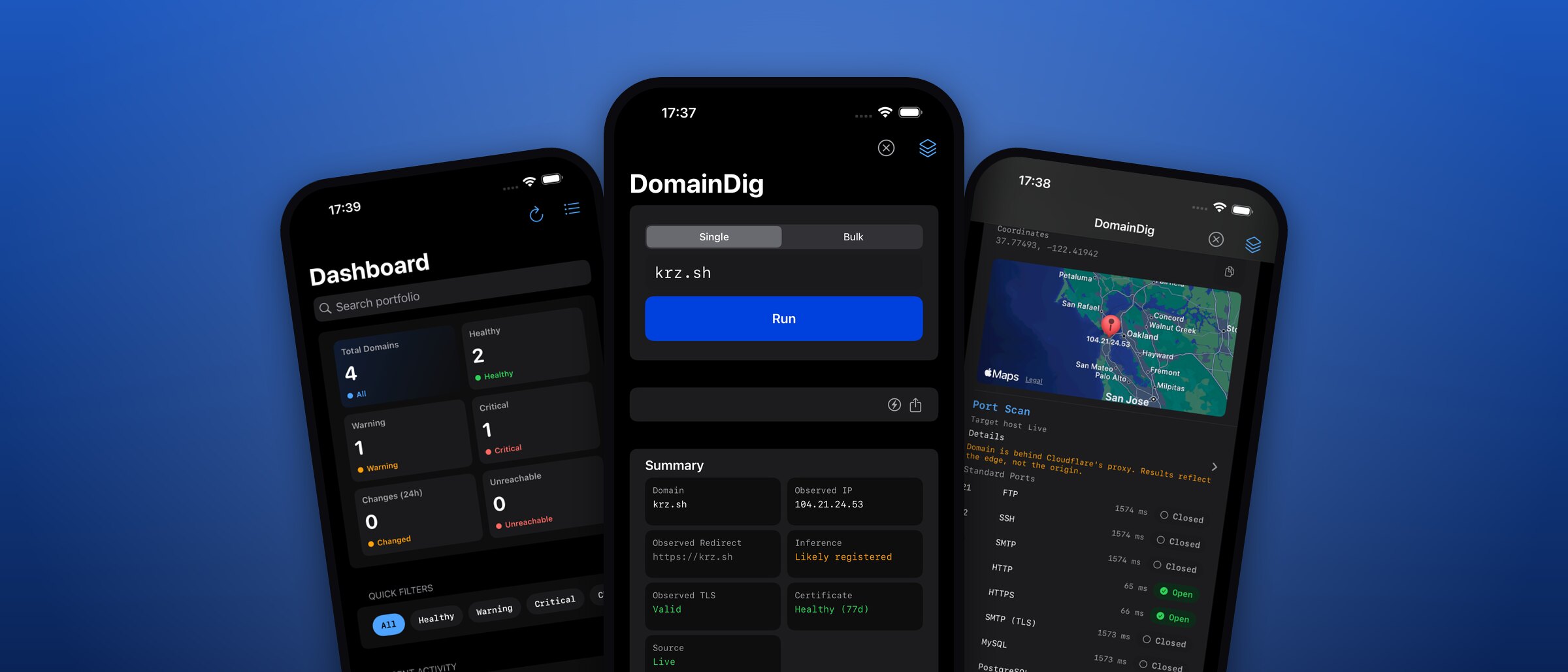
DNS, TLS, email security and ownership for any domain, with monitoring, audits and exports.
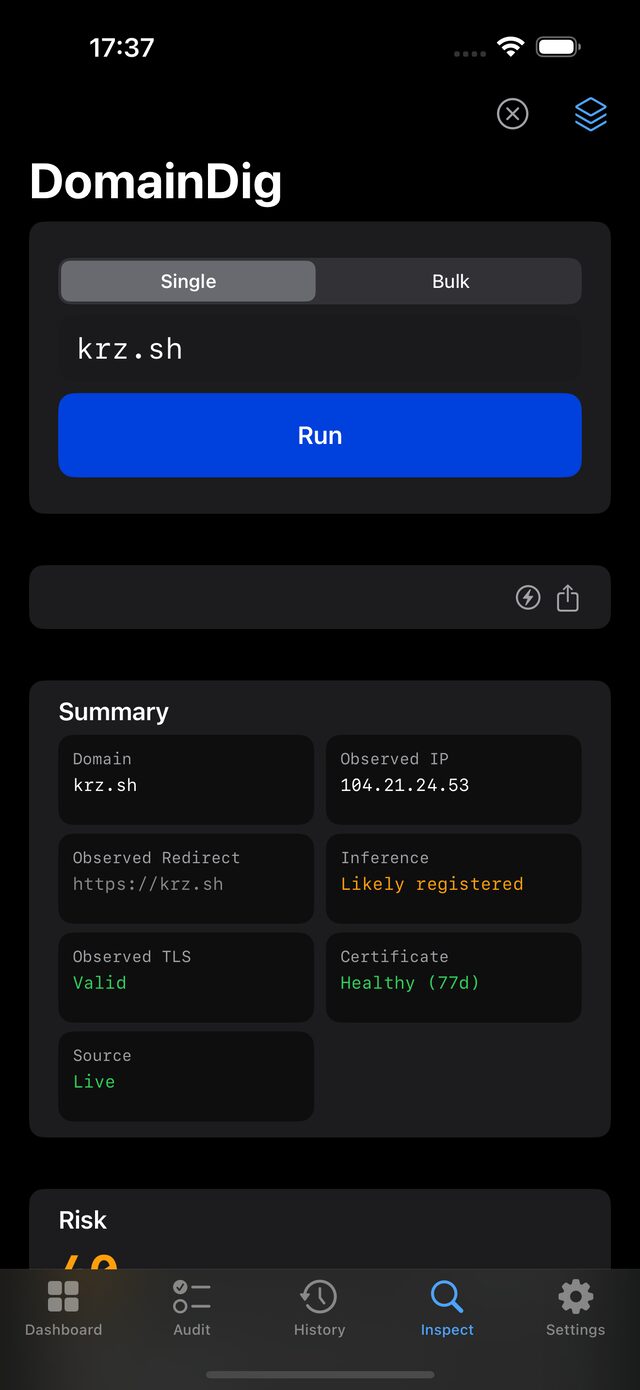
Domain Dig is a fast, native app for inspecting a domain end to end. enter a name and get a full report: DNS records, email-security posture, the live TLS certificate and chain, HTTP headers, IP geolocation, reachable ports, and registration. no account, no tracking, everything rendered in plain monospace.
why it exists
the answers you need about a domain are scattered across a dozen web tools. Domain Dig pulls them into one screen you can run from your phone, then keeps what it found: reachability, records, certificates, and headers in a single scrollable report, with a snapshot history behind it.
what it does
- run a full lookup on any domain, one at a time or a pasted list
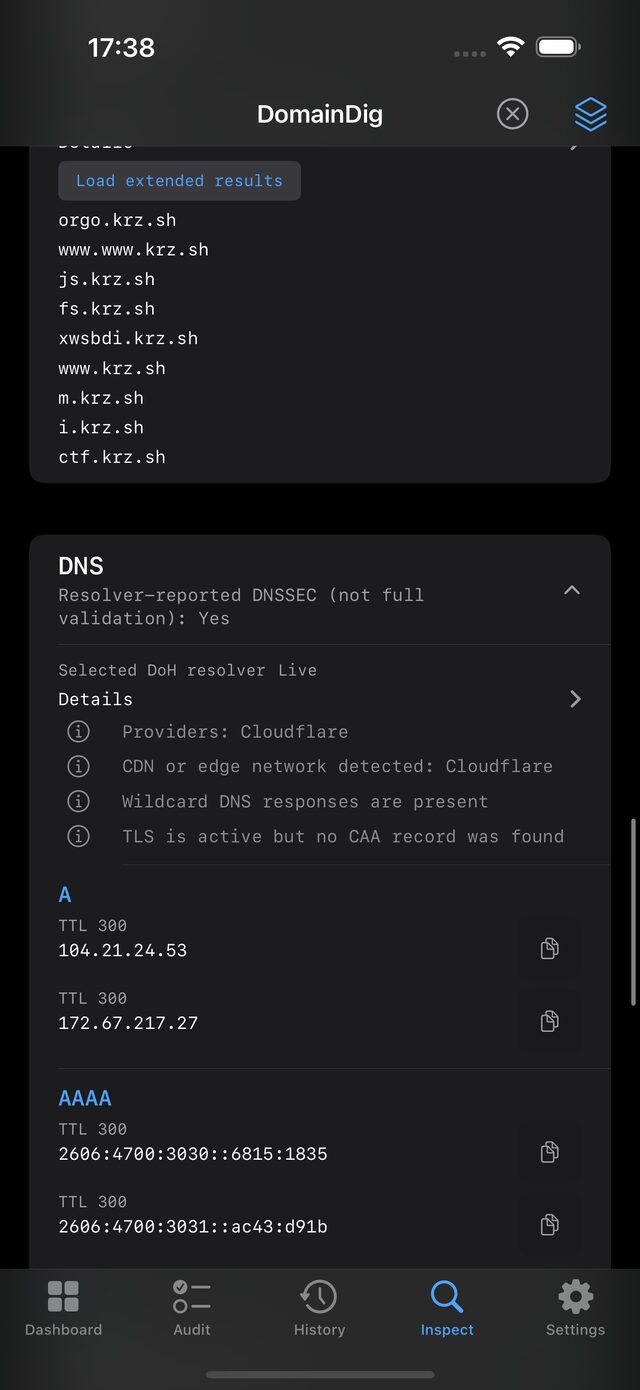
- read every DNS record type: A, AAAA, MX, TXT, NS, SOA, CNAME, SRV, CAA, DS, PTR
- confirm DNSSEC and check reachability and the redirect chain
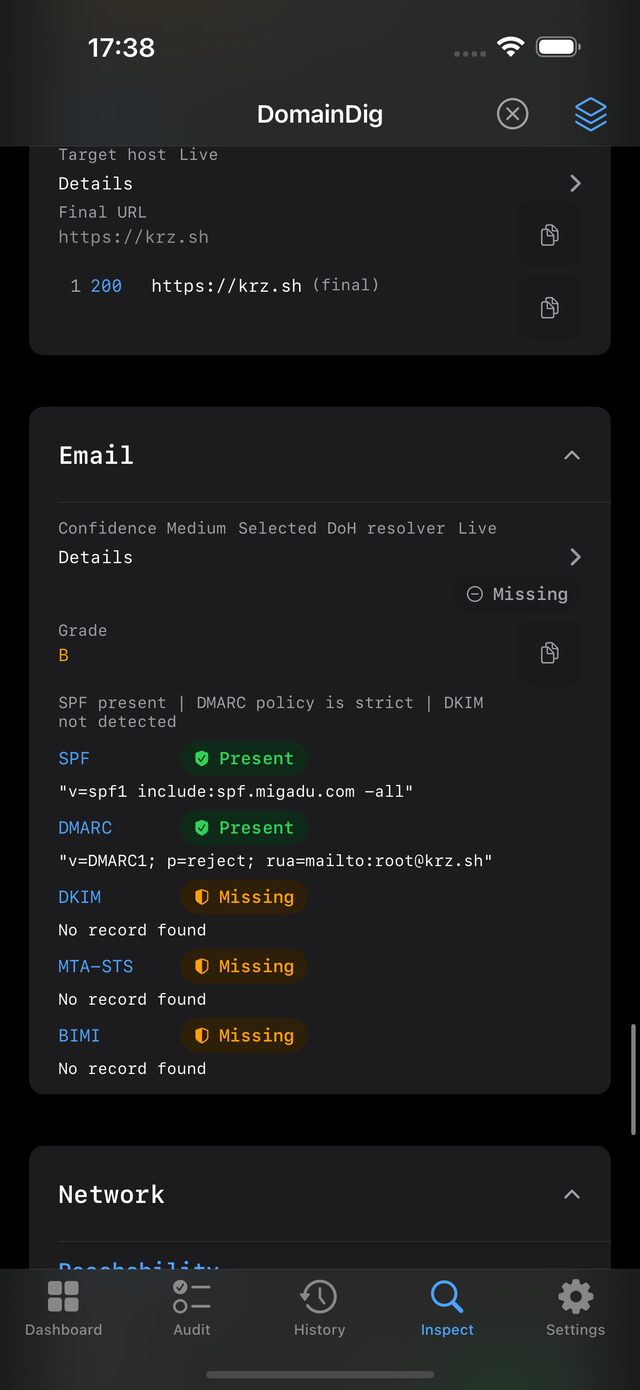
- audit email security: SPF, DMARC, DKIM, MTA-STS, and BIMI
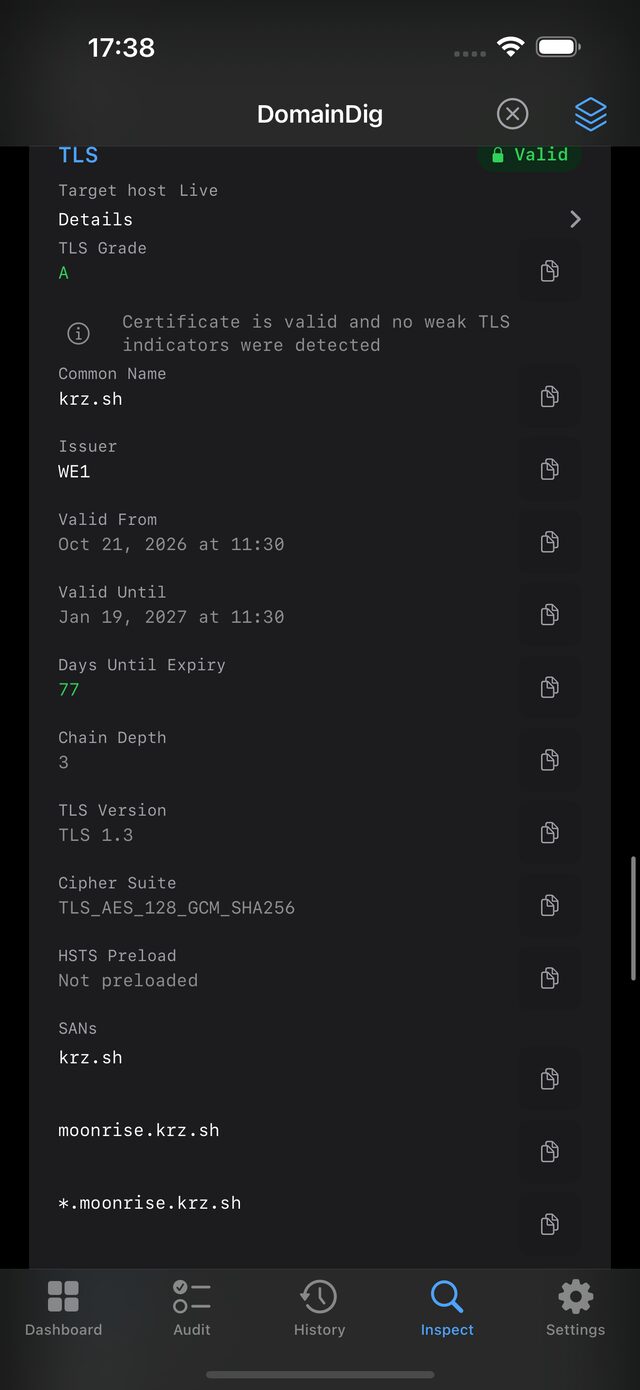
- inspect the SSL/TLS certificate, SANs, validity, cipher, and full chain
- review HTTP response headers with a security grade
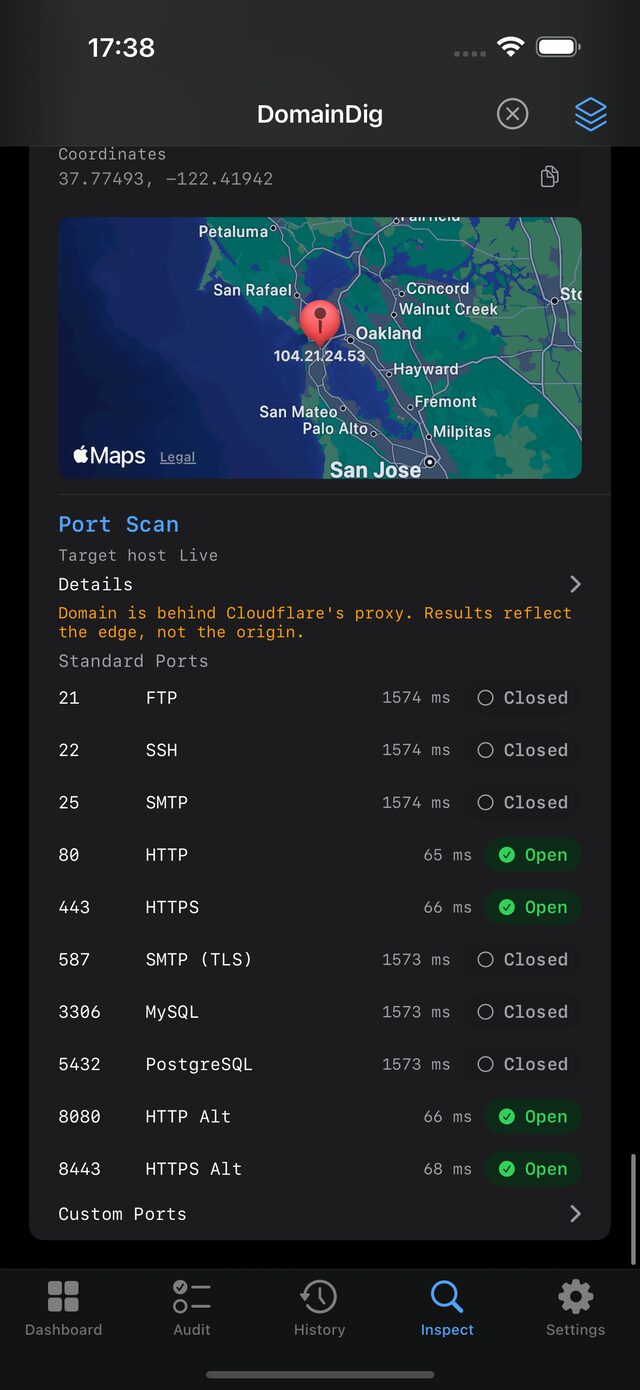
- geolocate the resolved IP and scan common ports
- look up registration and ownership via RDAP, and discover subdomains
- roll every check into a risk score with plain-language insights
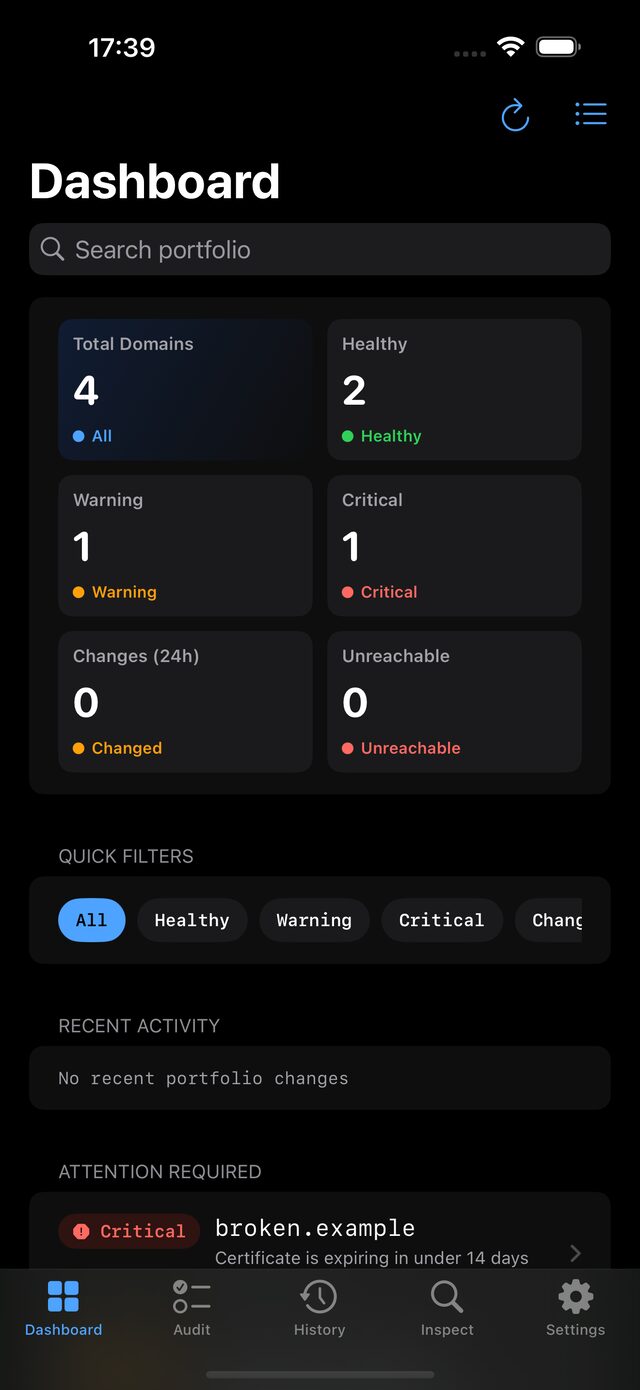
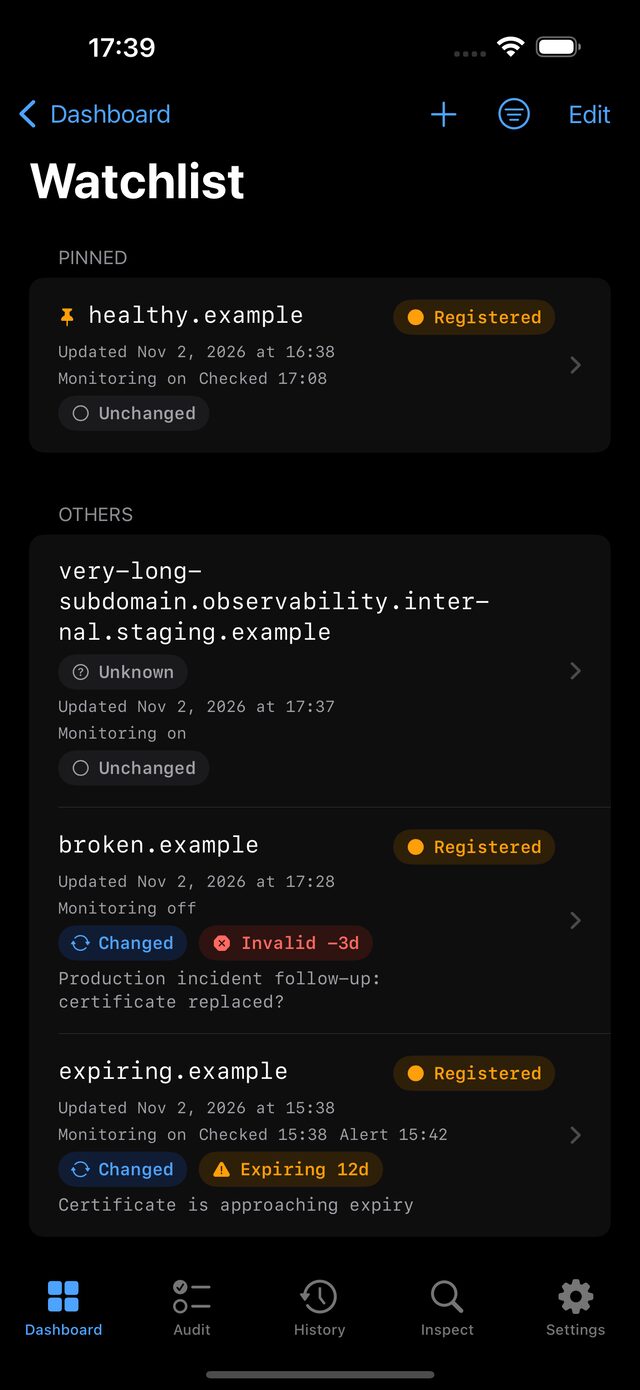
- track domains on a dashboard, monitor them on a schedule, and get alerts
- group domains into workflows and run them as a batch
- compare two domains side by side, or one domain against its own history
- run structured audit sessions with checklists, findings, and evidence
- export as text, CSV, JSON, Markdown, or PDF, single report or whole portfolio
details that matter
- DNSSEC validation and a live TLS version and cipher-suite readout
- certificate chain depth, expiry countdown, and a jump to crt.sh
- email-security checks that flag missing SPF, DMARC, DKIM, MTA-STS, or BIMI
- a port scan that knows when a host sits behind Cloudflare’s proxy
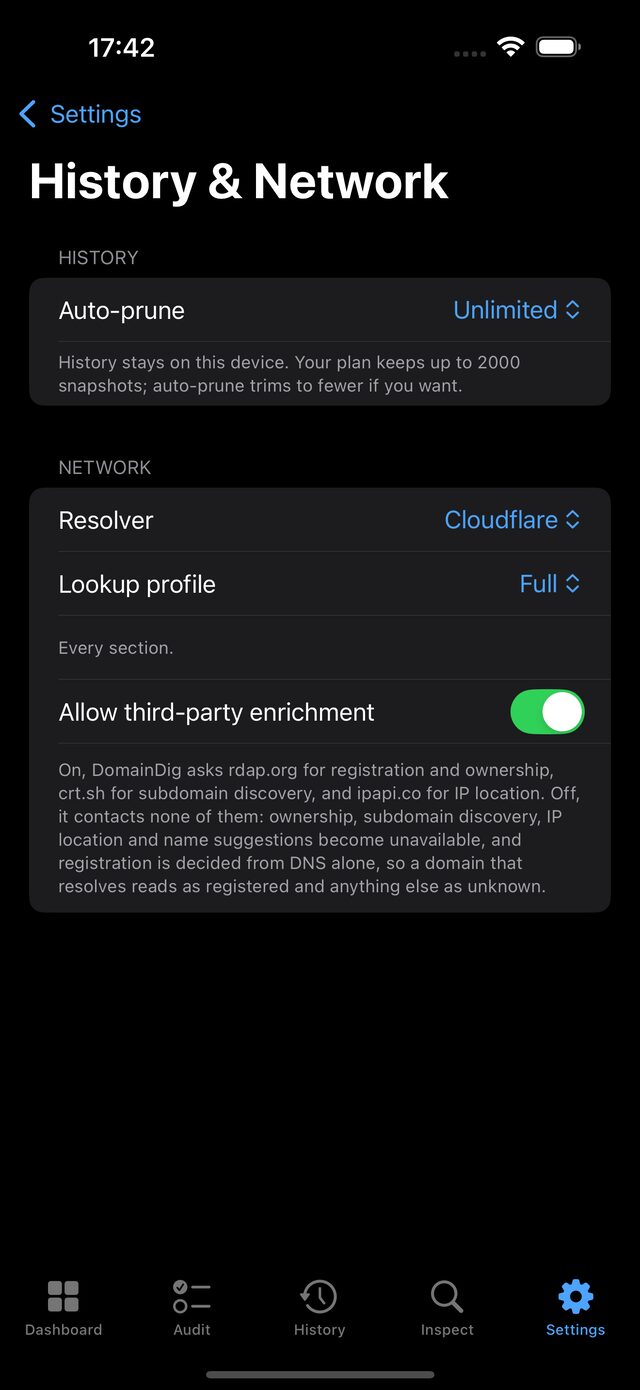
- pick your resolver: Cloudflare, Google, Quad9, or a custom server
- a Quick lookup profile when you do not need every check
- third-party enrichment is a switch: turn it off and nothing goes to rdap.org, crt.sh, or ipapi.co
- alerts over webhook, Slack, or SMTP, and finished reports uploaded to your own S3-compatible bucket
- a local API, Home Screen widgets, Shortcuts, and a share extension
on your device
- everything is stored locally; nothing syncs to us, and there is no backend
- optional iCloud sync (off by default) carries settings, domains, and history across your devices via your own iCloud account
- back up and restore the whole store, or import and export what you choose